Create packaging
You can create packagings: a packaging is a set of package dimensions (width, length, height), allowing you to quickly identify the size of shipments. You don't have to specify the exact package size every time you create a shipment: you can simply refer to an existing packaging configuration.
- Log in to the Delivery Gateway admin dashboard.
- In the left menu bar, find Management, and select Packaging.
-
Click New packaging.
-
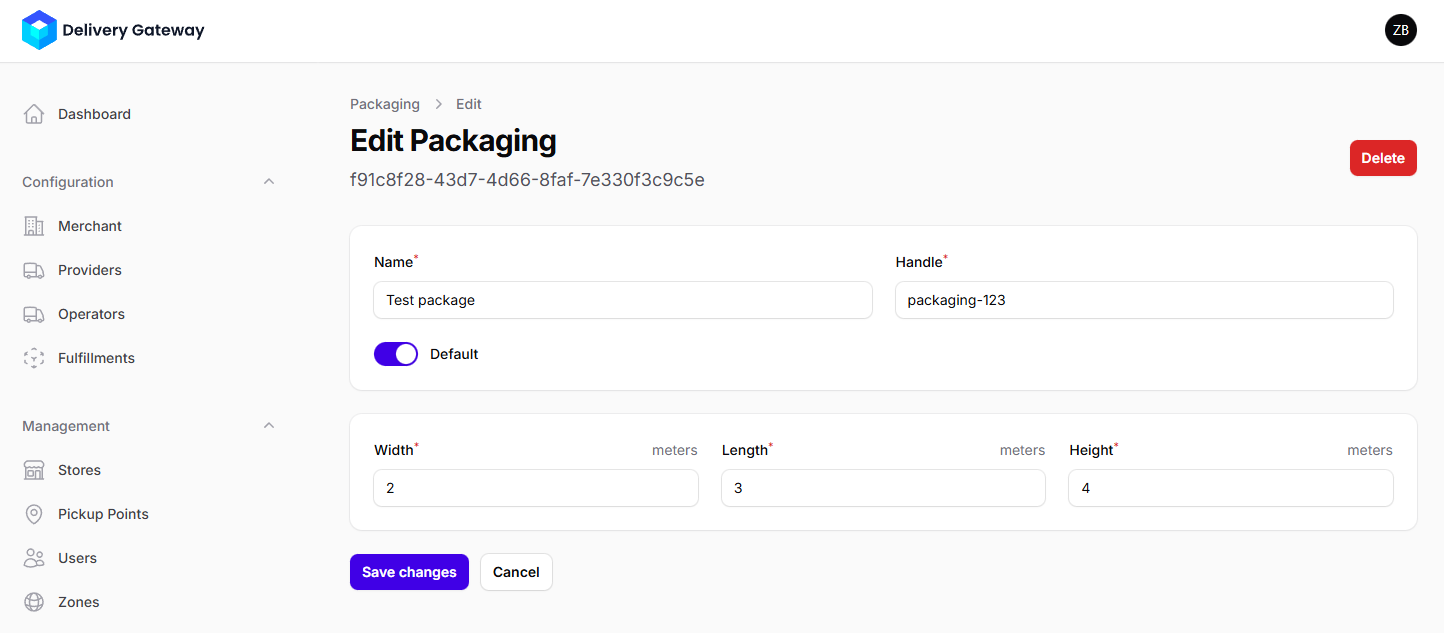
In the Name field, add a human-readable name. This is used only to help you identify your packaging on the Admin Dashboard.
-
In the Handle field, add a unique identifier. This is used by the API to refer to the packaging.
-
If you want to use this packaging for your shipments by default, toggle the Default option.
-
Set the packaging dimensions in meters:
- Width
- Length
- Height
noteYou can use fractions when setting the size.
-
Click Create.