Create zones
If your webshop delivers to more than one country, you can create zones. A zone consists of one or more countries and you can apply specific configurations, such as pricing rules, for each zone.
To create a zone:
- Log in to the Delivery Gateway admin dashboard.
- In the left menu bar, find Management, and select Zones.
- Click New zone.
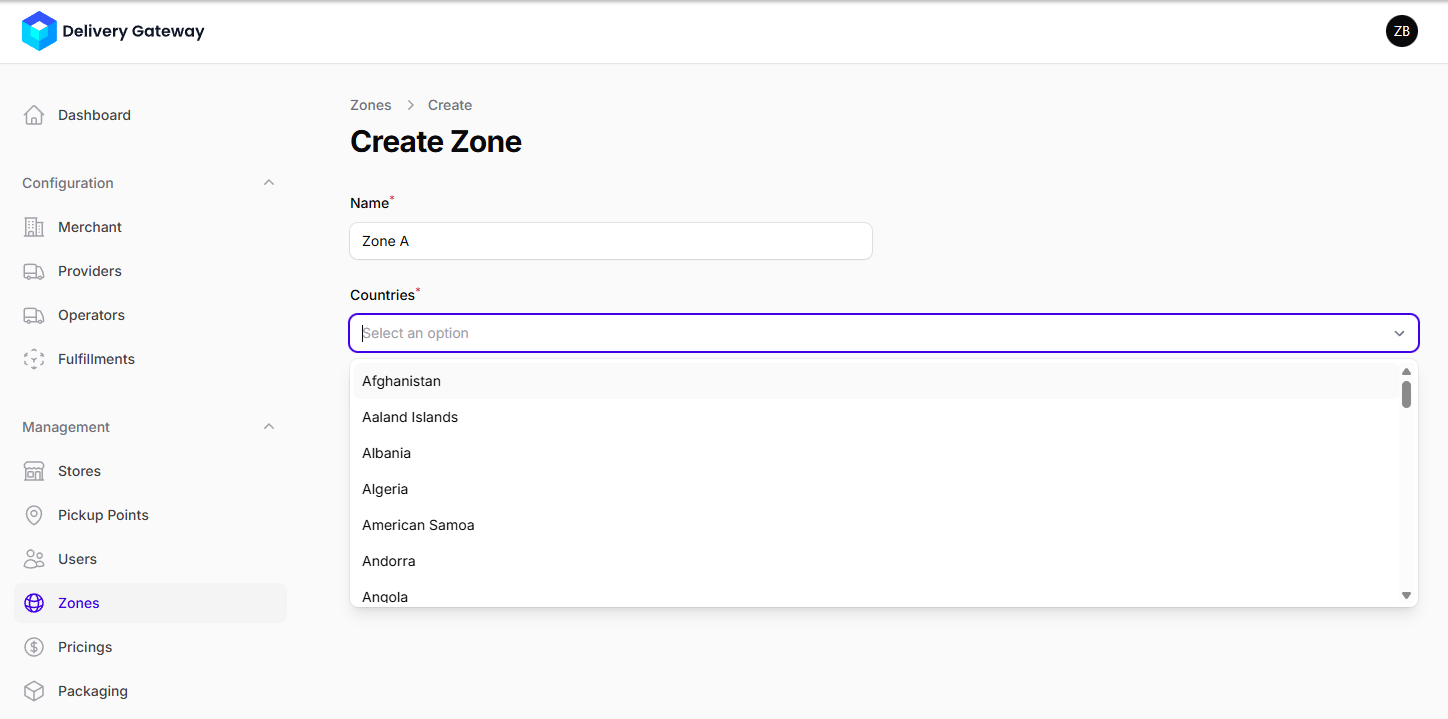
- In the Name field, add a human-readable name that you can use to identify your zones.
- From the Countries dropdown menu, select one or more countries.
- Click Create.