Enable pickup point delivery
In the left menu bar, find Configuration, and select Merchant.
Find Enable pickup point delivery and toggle it on.
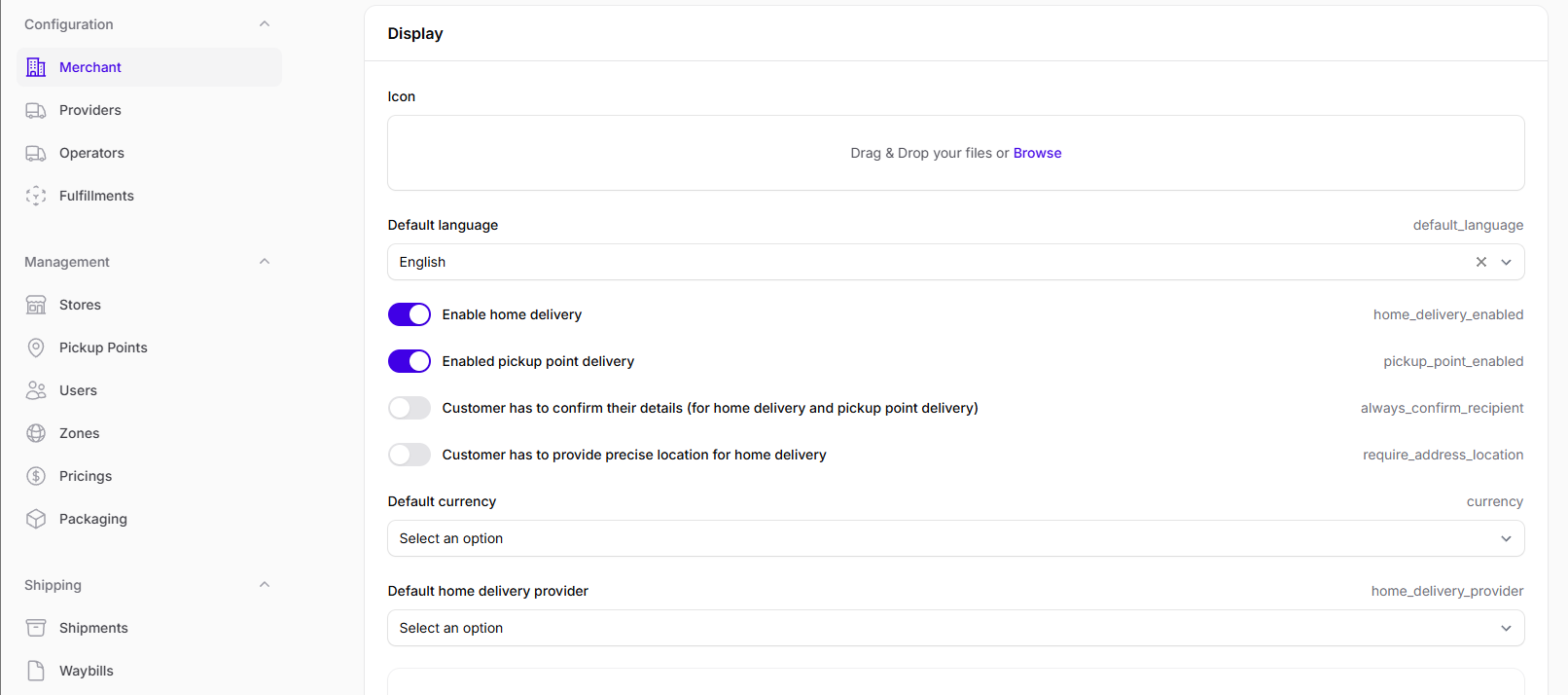
Optionally, select a default pickup point delivery provider.
When a customer gets to the prompt to choose from providers for pickup point delivery, this provider will be selected by default.
Find Title for pickup point delivery and click Add to title for pickup point delivery: the data entered here will be used as the label for the pickup point delivery option on your website.
noteSetting the default title and default information is optional: if you leave it empty, Delivery Gateway adds default text.
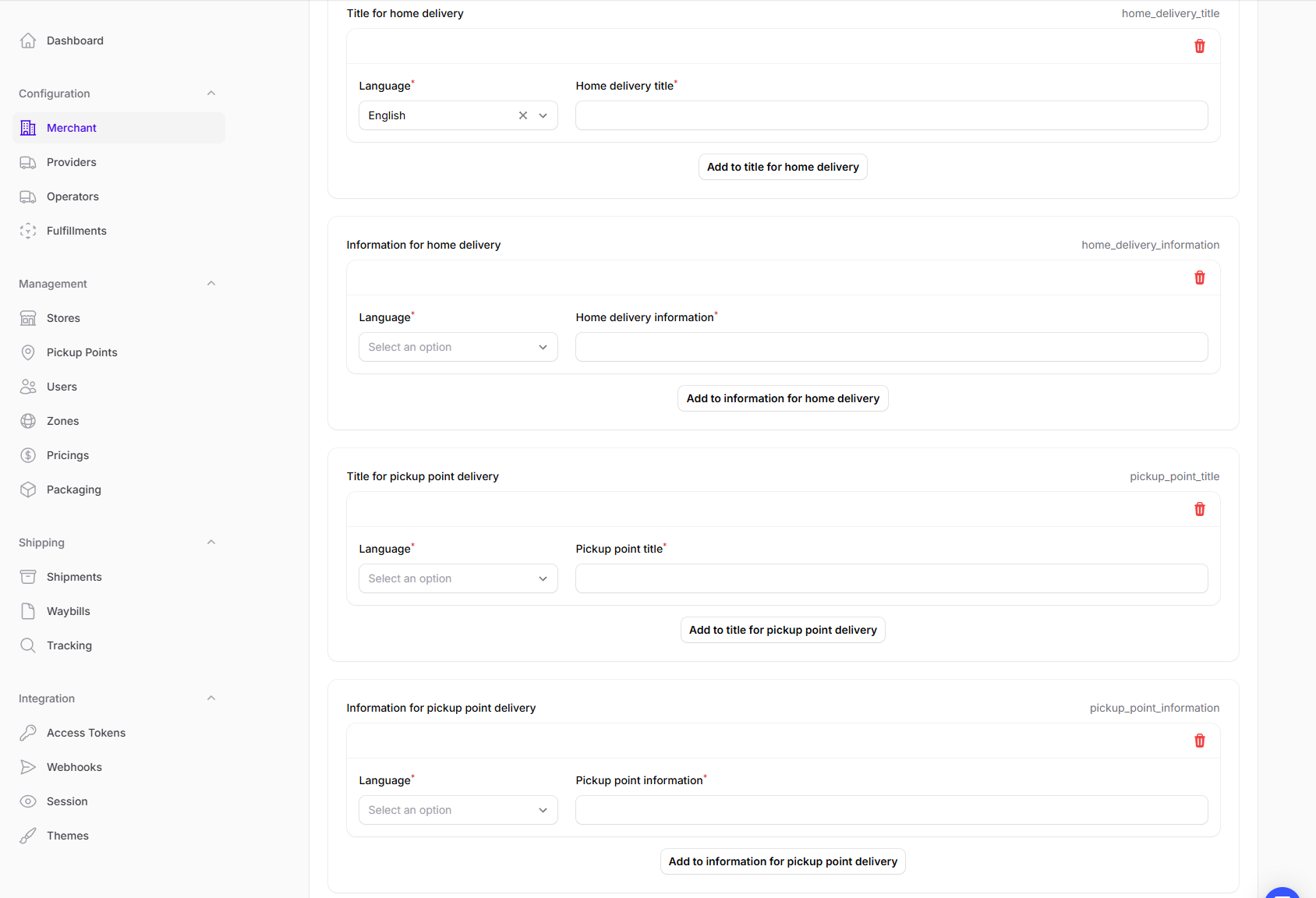
Find Information for pickup point delivery and click Add to information for pickup point delivery: the data entered here will appear as additional information for the pickup point delivery option on your website.
In the left menu bar, find Configuration, and select Providers.
Select a provider that is enabled.
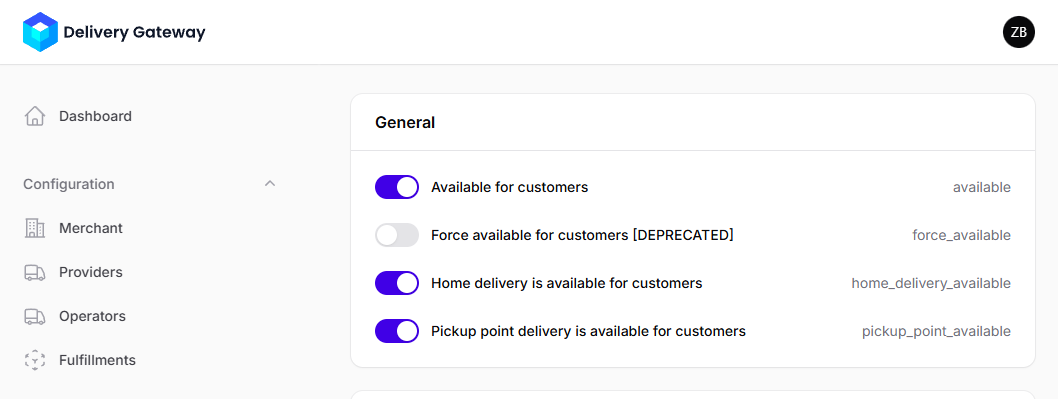
Make sure Provider is available for customers and Pickup point delivery is available for customers are toggled on.
Find Information for pickup point delivery and click Add to information for pickup point delivery. Add any information about pickup point deliveries that is specific to the selected provider.
In the List of required address field for pickup point delivery menu, select all address fields that a customer must provide when using the selected provider.
Create a pricing option for pickup point delivery.