Enable a provider
On the Providers configuration page, you can see the list of providers. By default, none of them are enabled. You need to enable them by providing certain information. The exact information depends on the provider: you might need a username and a password, API keys, or some special client code.
- Log in to the Delivery Gateway admin dashboard.
- In the left menu bar, find Configuration, and select Providers.
-
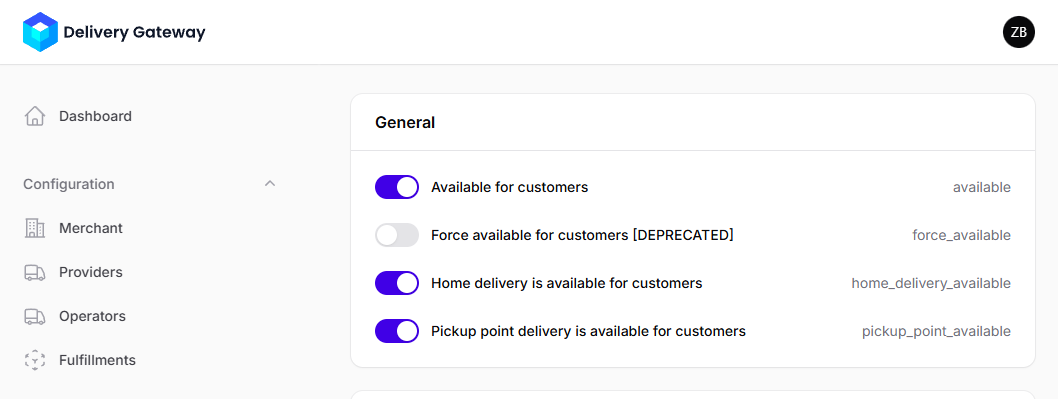
Under General, make sure Available for customers is toggled on.
-
Select available delivery types.
You can choose from home delivery and pickup point delivery.
-
Provide the required credentials. The exact requirements depend on the provider: Required credentials for each provider.
noteNote that the admin interface doesn't validate your credentials. Make sure they are correct!