Configure sender information
For each merchant, we recommend configuring default sender information, such as your name, email, and address. You can set up Delivery Gateway to always send shipments with the default sender which makes the process much simpler.
- Log in to the Delivery Gateway admin dashboard.
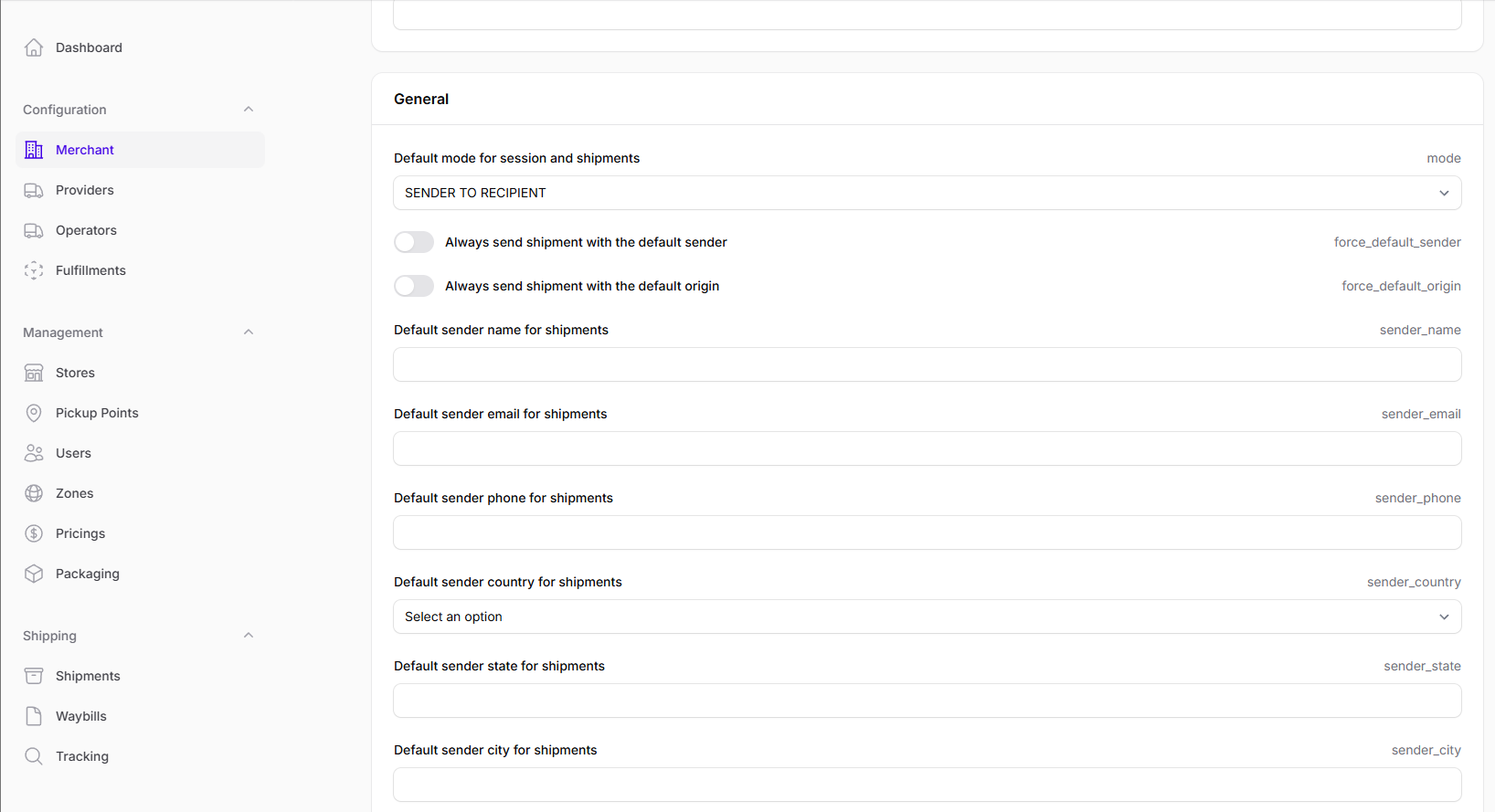
- In the left menu bar, find Configuration, and select Merchant.
-
Find the General section.
-
Fill out each field containing default sender information.
noteFor each setting and their description, see Merchant reference.