Default shipment mode
Shipment modes identify the type of the shipment. Delivery Gateway recognises three separate modes:
- Sender to recipient: This is the default mode. It means the merchant, as configured in the Admin Dashboard, sends the shipment to the customer.
- Recipient to sender: This mode is for returns: a customer sending back the shipment to the original sender.
- Third party to third party: The shipment is sent between third-party service providers.
On the Delivery Gateway Admin Dashboard, you can configure the default shipment mode: this mode will be used for all shipments unless otherwise specified by the Merchant API.
- Log in to the Delivery Gateway admin dashboard.
- In the left menu bar, find Configuration, and select Merchant.
- Under General, find Default mode for session and shipments.
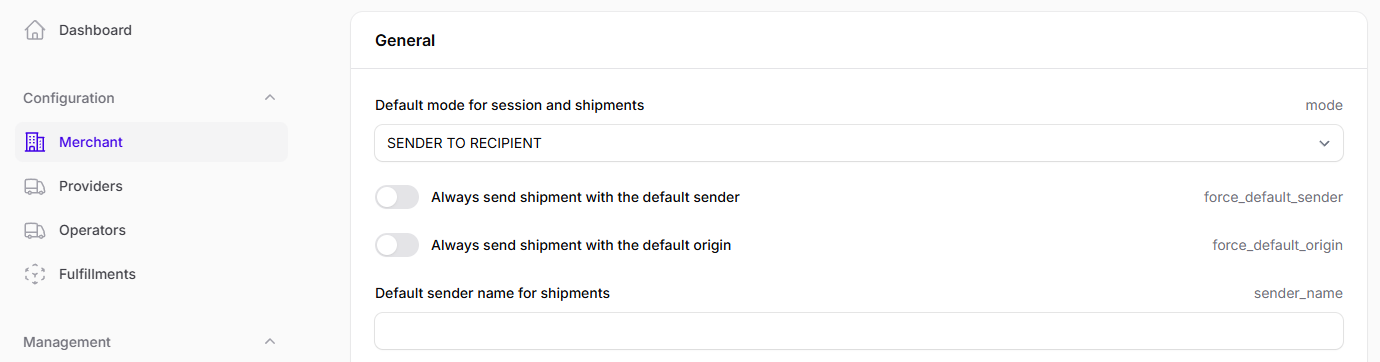
- Select a mode from the dropdown menu.